Essential Equipment and Supplies Guide for Launching Your Screen Printing Workshop

Embarking on a screen printing venture is an exciting step into a creative and rewarding field. Setting up your own operation requires careful planning and the right tools to ensure quality results from the start. This guide breaks down the key items you'll need, from core machinery to everyday essentials, helping you build a solid foundation for your printing setup. Manual Printing Press The heart of any screen printing setup is the manual press. There are numerous options available, varying in capabilities, features, and cost. Selecting the appropriate one depends on your production volume and design complexity. Beginners often opt for a simple, high-quality entry-level press to learn the fundamentals without overwhelming complexity. For those aiming to grow into a full business, a mid-range press or higher-end press offers more stations and better precision for multi-color jobs. Flashing Unit for Ink Gelling For multi-color prints, you'll need a way to partially dry (or "gel") ink layers before adding the next color. A basic heat gun can suffice initially, though achieving uniform heat is challenging. A dedicated flash dryer is recommended for consistent, even heating across the entire design. Newcomers frequently choose a compact flash dryer for its balance of affordability and performance. Curing Equipment Proper curing is crucial to make prints durable and wash-resistant. Many starters use their flash dryer for this purpose, which is cost-effective while honing skills. Be mindful of factors like ambient temperature, garment fabric, platen type, and ink properties—these influence curing time. A heat press provides more consistent results with precise temperature control. It's versatile, especially if you're also working with heat-transfer materials. For higher output, a conveyor dryer is ideal, processing multiple items continuously by adjusting belt speed and heat settings based on ink and substrate. Exposure System Exposing screens to create stencils demands a reliable exposure unit. Basic setups might use simple bulbs, but upgrading to a compact LED exposure unit or larger variant improves results significantly. LED technology offers longer lifespan, lower energy use, and sharper stencil detail. Tip: Always expose screens in a completely light-safe environment to avoid unintended exposure. If budget is tight, some local services can expose screens for you. Screen Cleaning Area Cleaning screens—whether rinsing new exposures or reclaiming used ones—requires a dedicated space. A professional washout booth is the most efficient option, with built-in drainage and lighting. Alternatives include using a utility sink or outdoor area, but take precautions: filter drains to prevent clogs from ink and emulsion, and choose eco-friendly chemicals to minimize environmental impact. For outdoor rinsing, use light-proof bags to transport wet screens and low-pressure washing (under 1600 psi). Film Positive Printer Creating stencils starts with high-quality film positives. An inkjet film printer is standard, using coated transparency film for optimal ink hold and light-blocking (either UV-blocking or full-dye inks work well for details and halftones). Outsourcing to a nearby print shop is a viable temporary solution if purchasing a printer isn't feasible yet. Design and Separation Software Artwork preparation relies on professional tools: vector [...]
The Role of Screen Tension in Screen Printing Efficiency

Mechanics of Ink Transfer in Printing In traditional printing methods like lithography, flexography, and rotogravure, ink transfers from a rigid cylindrical plate to a substrate, either wrapped around another cylinder or pressed between the plate and a roller. The speed of ink release depends mechanically on the press’s operating speed—the faster the press, the quicker the plate and substrate interact and separate. Unique Challenges in Screen Printing Unlike rigid lithographic plates, screen printing relies on a flexible mesh, which must maintain enough elasticity for off-contact printing. This flexibility limits print speed, as the squeegee’s movement cannot outpace the mesh’s ability to release from the substrate—a process known as “snap” or “peel.” This separation is the critical factor governing production speed in screen printing. Additionally, the reciprocating motion of flat screen printing introduces delays, as the squeegee must return to its starting position after each stroke. Impact of Low Screen Tension Historically, screen meshes have lacked rigidity, resulting in slower and less consistent print speeds. For instance, printing a simple design, such as black text on a white shirt, at low tension (e.g., less than 25 Newtons or 650 lbs. for an 18" x 20" frame), poses minimal issues. The screen releases easily from the substrate. However, printing a large reverse print (e.g., white text on a black background) or a solid area of opaque ink changes the dynamics. The tacky ink acts like an adhesive, slowing snap speed or, at very low tensions, preventing peel entirely. Consequences of Low-Tension Printing In low-tension scenarios, especially with larger screens, the squeegee may outrun the mesh peel, creating a “half-moon” release pattern that lags behind, leading to smeared or blurred prints. This pattern mirrors non-uniform ink transfer issues. The print head cannot lift until the peel completes, forcing manual printers to either adjust each squeegee stroke to match the peel rate or adopt the slowest stroke speed for consistency. Automated presses must wait for the slowest print head, significantly reducing cycle time—often by 20-50%—when printing large areas of tacky inks like fluorescent, puff, or metallic varieties. Attempts to Mitigate Slowdowns To counter slow peel, printers often increase off-contact distance to aid mesh release. However, this only marginally improves snap, primarily at the edges, while distorting the image, increasing inconsistency in squeegee pressure, and reducing ink deposit uniformity. This leads to poor substrate penetration, more rejects, and lower yields. Higher off-contact also fatigues manual printers and accelerates wear on stencils, squeegees, and meshes due to excessive pressure. Flood Stroke Challenges at Low Tension Low-tension issues extend to the flood stroke, where the floodbar displaces ink across the mesh. At low tension, the mesh deflects downward at the center, leaving a thicker ink layer than intended. Increasing flood pressure may correct the center but thins ink at the edges, causing inconsistent ink distribution in mesh apertures. At higher flood speeds, this leads to under-filled, adequately filled, or over-filled ink wells, with pre-expressed ink contributing to smearing and excess buildup requiring frequent screen cleaning. High-Tension Printing: [...]

Screen Printing FAQ for Beginners: Essential Tips, Equipment, Supplies & Costs for 2025

Screen Printing FAQ for First-Time Printers: Your Guide to Getting Started in 2025 Screen printing is a versatile and rewarding way to create custom apparel and merchandise, from vibrant T-shirts to unique tote bags. For beginners, the process can seem daunting, but with the right knowledge and tools, you can start printing like a pro. This FAQ answers the most common questions first-time screen printers ask, covering what you need to know, essential equipment, supplies, costs, and key considerations. Let’s dive in and make your screen printing journey a success! Why Choose Screen Printing? Key Benefits for Beginners Screen printing is a popular choice for creating durable, high-quality designs on fabrics and other surfaces. Here’s why it’s a great option for first-time printers and what makes it stand out: Durability and Quality: Screen printing produces vibrant, long-lasting prints that withstand repeated washing, making it ideal for custom T-shirts, hoodies, and more. Unlike some digital methods, screen prints maintain their boldness over time. Cost-Effective for Bulk Orders: The per-unit cost decreases significantly with larger orders, making screen printing economical for producing dozens or hundreds of items. This is perfect for events, teams, or small businesses. Versatility: You can print on various materials, including cotton, polyester, spandex, and even non-apparel items like tote bags or posters, offering endless creative possibilities. Creative Control: Screen printing allows you to experiment with bold colors and designs, giving you the freedom to create unique products or launch your own brand. How Does Screen Printing Work? A Beginner’s Overview Understanding the screen printing process is the first step to mastering it. Here’s a simple breakdown of how it works, tailored for first-time printers: Design Creation: Create your design using software like Adobe Illustrator or Photoshop. For screen printing, each color in your design requires a separate screen, so simpler designs (1–2 colors) are best for beginners. The design is printed onto a transparent film (called a film positive) to create a stencil. Screen Preparation: Coat a mesh screen with light-sensitive emulsion and let it dry in a dark room. Place the film positive on the screen and expose it to UV light using an exposure unit. The emulsion hardens where light hits, creating a stencil of your design. Wash out the unexposed emulsion to reveal the open mesh for printing. Printing: Secure the screen in a press, place the T-shirt or material on the platen, and apply ink through the screen using a squeegee. Each color requires a separate screen and pass. For multi-color designs, flash cure the ink between layers to prevent smudging. Curing: Cure the printed item in a dryer (conveyor or flash) to set the ink, ensuring durability. Typical curing temperatures are around 320°F for plastisol ink, taking about 30–60 seconds. What Equipment Do You Need to Start Screen Printing? Starting a screen printing setup requires a few key pieces of equipment. Here’s a beginner-friendly list of essentials, with 2025 pricing estimates based on recent data: Screen Printing Press: A manual 1-color press is [...]

Your Screen Room: The Key to Better Stencil Performance

Advancements in stencil emulsions have significantly improved their quality, yet issues like pinholes, short impression life, and reclaiming difficulties persist. While printers often blame the emulsion, the real culprit is frequently the screen-room environment. Neglecting this critical area can undermine even the best stencil products, leading to costly production issues. Investing in your screen room, rather than just sampling new emulsions, will yield substantial returns by enhancing stencil performance and reducing downtime.

How to Use a Tension Meter Effectively

Measuring screen tension is a critical aspect of screen printing, yet it’s often misunderstood or oversimplified. Simply placing a tension meter in the center of a screen and reading the dial isn’t enough. This guide provides a clear, step-by-step explanation of how to measure screen tension accurately, ensuring high-quality prints and prolonged mesh life. Whether you’re investing in a tension meter or tensioning equipment, understanding the process is essential for consistent results.

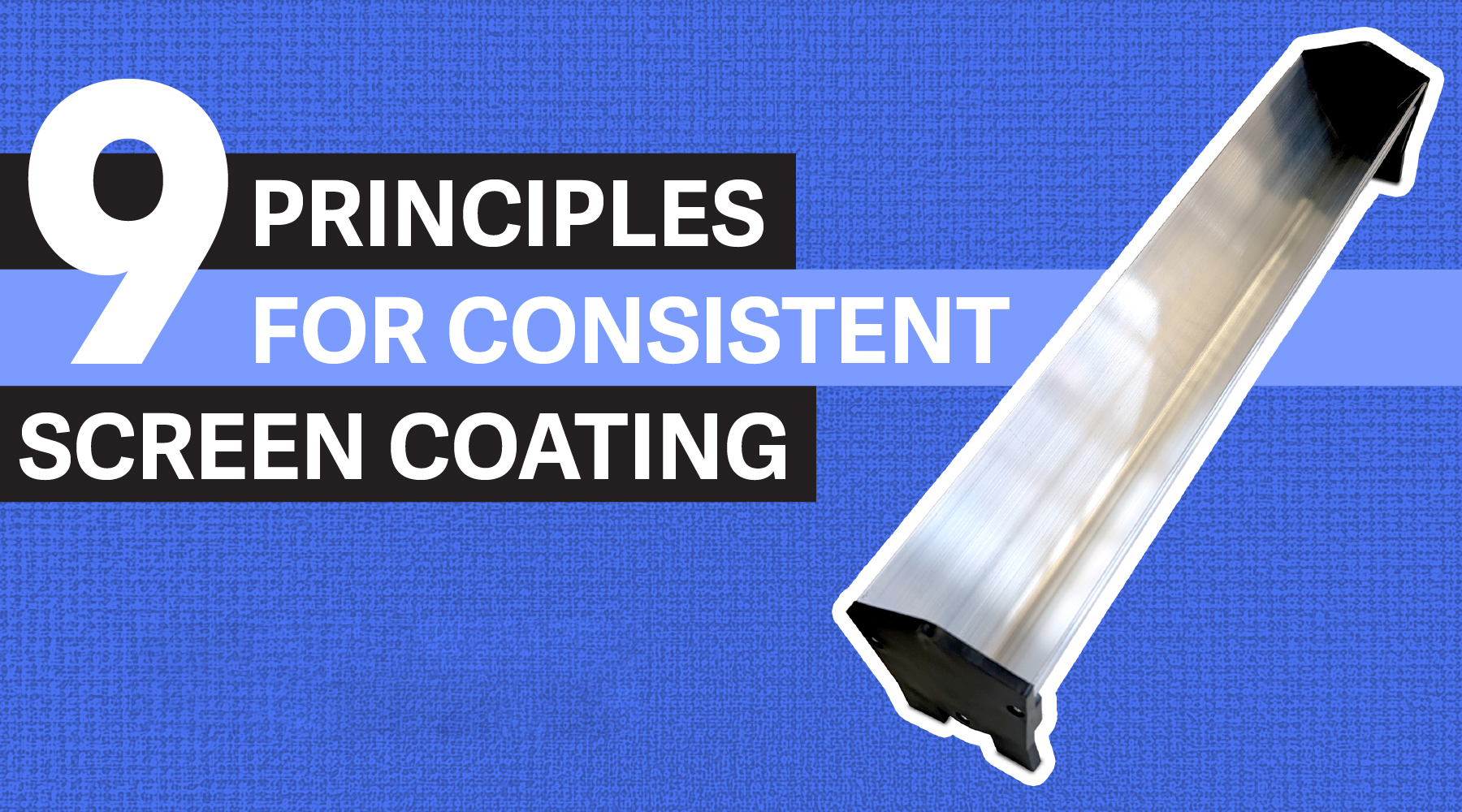
9 Principles For Consistent Screen Coating

Screen coating techniques vary widely among print shops, with some employing complex methods involving up to seven or eight coats per screen. However, similar results can often be achieved with a straightforward one-on-one coating approach. By applying basic physical principles, you can better understand the screen coating process and optimize it for efficiency.

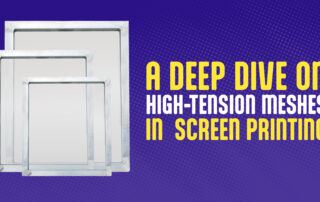
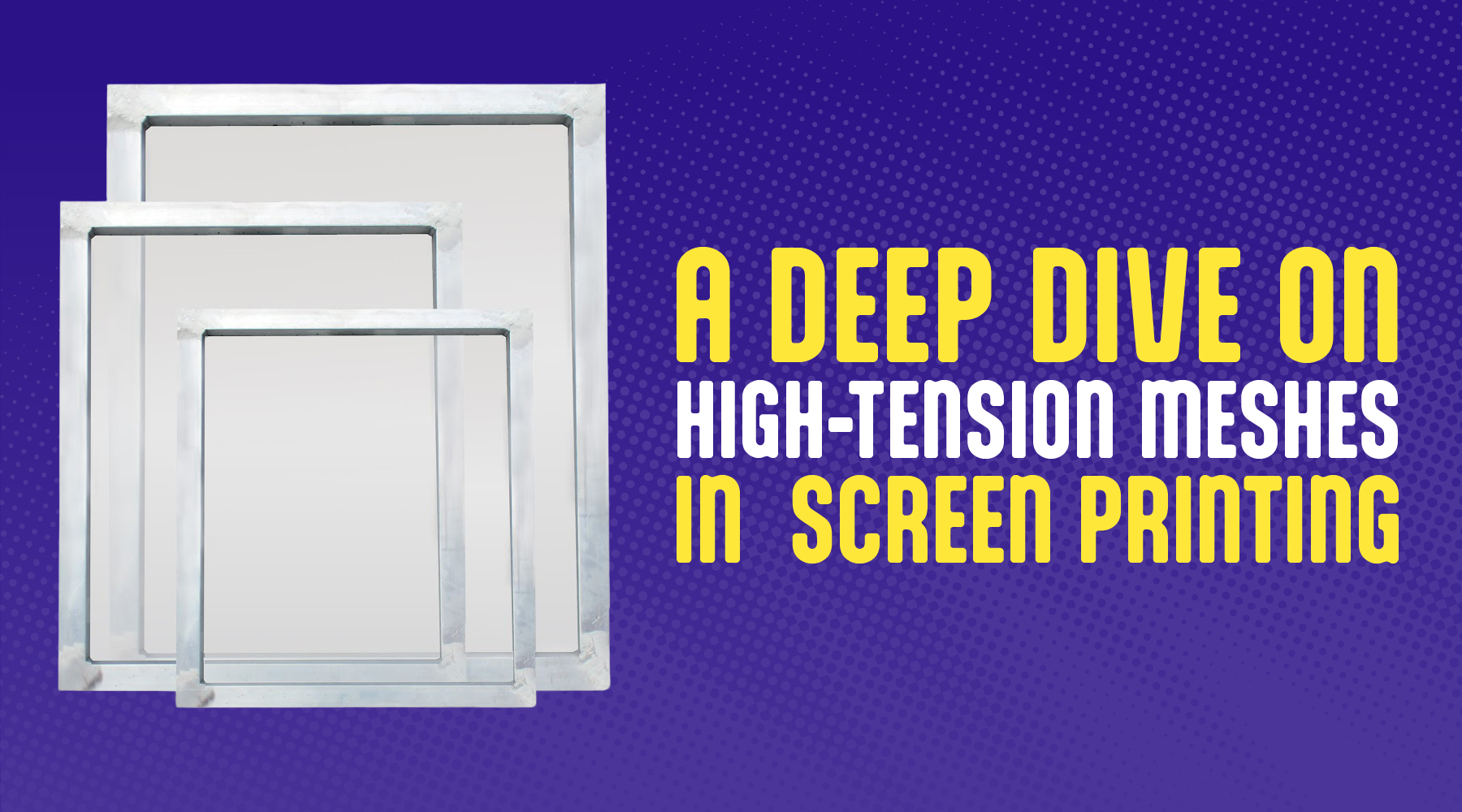
A Deep Dive on High-Tension Meshes in Screen Printing

In screen printing, "mesh" refers to the screen material, while "fabric" means the substrate being printed, like a T-shirt or poster. This article uses "high-tension mesh" to describe advanced, low-elongation polyester meshes designed for precision printing, offering better tension stability and print quality for your shop’s jobs.

Designing for Flashes: Boosting Speed and Opacity in Garment Printing

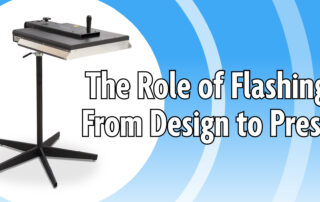
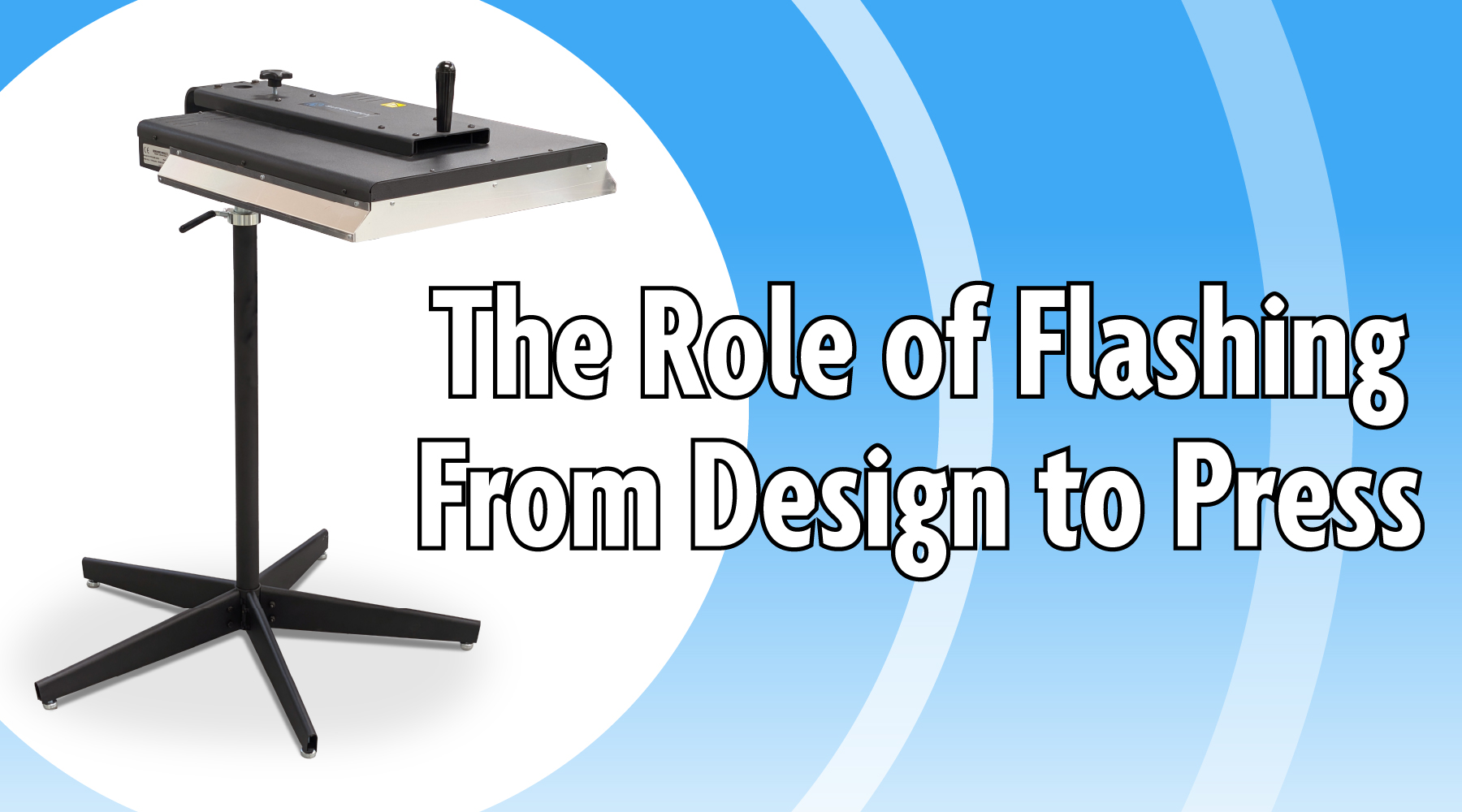
Flash-cure units are essential in textile screen printing, playing a pivotal role regardless of a printer’s experience level. Understanding their function and the technical aspects of the flashing process can significantly enhance print quality and efficiency. Outside of automatic presses, no other equipment has influenced garment design and printing as profoundly as flash-cure units. Over 98% of dark garments undergo flashing, and even some white garments are flashed to achieve unique special effects that appeal to consumers.

Introducing Icon Faster Fusion Plastisol Inks: The Ultimate Choice for Screen Printers

Are you ready to elevate your screen printing game? Look no further than Icon Faster Fusion Plastisol Inks from Multi-Tech, a game-changer crafted to set a new benchmark in the world of plastisol inks. Designed with cutting-edge technology and proudly made in the USA, this innovative ink line is here to transform your prints with unmatched quality, efficiency, and versatility. Whether you’re a small business owner, a hobbyist, or running a high-volume print shop, Icon Inks are engineered to deliver exceptional results every time.